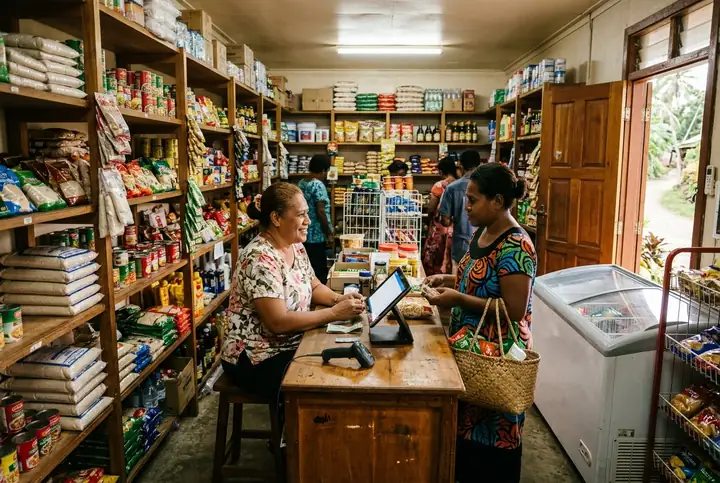
Mini-marts & general stores
Busy counters, regular customers on account, deliveries at the door. This is the shop Tillometry was designed around, and every plan starts here.
How it fitsFor your industry
Every plan starts with the same checkout, stock, customers and reporting. Industry add-ons switch on what your trade needs, priced per month on top of the plan, and custom add-ons cover what only your business needs.
Busy counters, regular customers on account, deliveries at the door. This is the shop Tillometry was designed around, and every plan starts here.
How it fits
Sizes, milks and extras with their own prices, made-to-order items that never touch stock, and packaged goods that still do. Café menus are included in every plan.
How it fits
Every table is a running basket. Send what is new to the kitchen, add a round of drinks later, then settle the bill by diner, with tips recorded properly.
How it fits
Price per kilogram, litre or metre; the till asks for the weight, or reads it from a scale barcode. Stock, purchasing, counts and costs all follow the same measure.
How it fits
Builders on account with trade prices, cash customers at retail, timber by the metre and rope by the roll. Quotes become invoices without retyping.
How it fits
Set up a shirt once, generate every size and colour as its own item with its own barcode and stock, and let the till pick the variant from one card.
How it fits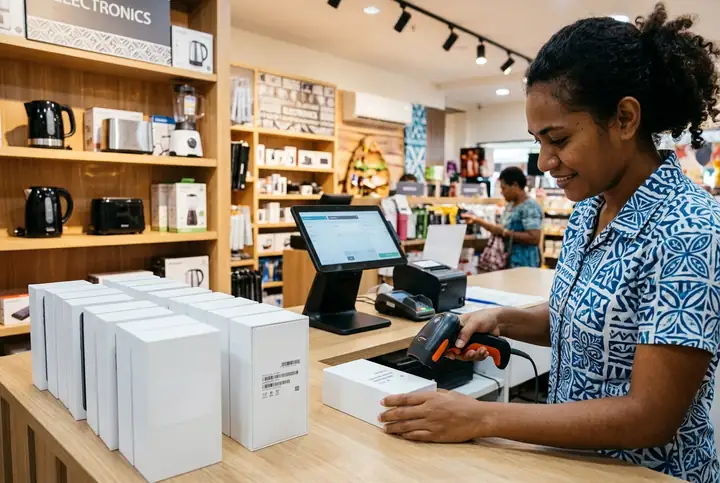
Record the IMEI or serial when stock arrives, scan it at the sale, print it on the receipt and find it again when the customer comes back under warranty.
How it fits
A haircut is a product that never needs a stock count; the pomade you sell with it does. Record who did the service, take a tip, and keep regulars on loyalty.
How it fits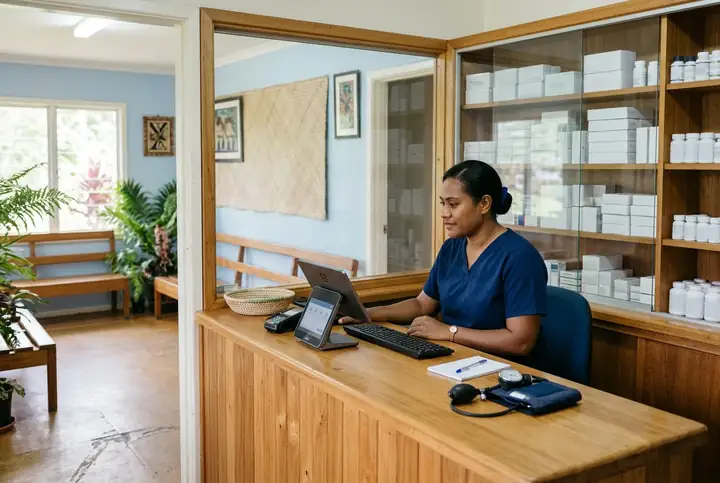
Charge consultations and procedures as service items, dispense from batches that expire first, and keep patient accounts with statements. Tillometry is the till and stockroom, not the medical record.
How it fitsBakeries, bottle shops, stationers, dairies and small supermarkets run on the general retail workflows. Service businesses sell their services as made-to-order items. If your trade needs something specific, say so when you request a demo.
Custom add-ons are built for one business and priced for that business alone, for example a report in your accountant’s layout, an export for a supplier, or a workflow specific to your trade. They are agreed in writing, appear on your monthly invoice as their own line, and are listed in your workspace under Settings. Tell us what you need when you request a demo.
A simple next step
No software purchase. No payment details. Start with the workflows that matter to your business.
Share your store type and what you want to explore: checkout, stock, purchasing or reporting.
We review your request and add your email to the private demo. Access is not automatic.
Open the demo link and enter the one-time code emailed to you. No separate account or password needed.