Serial on receipt and sale
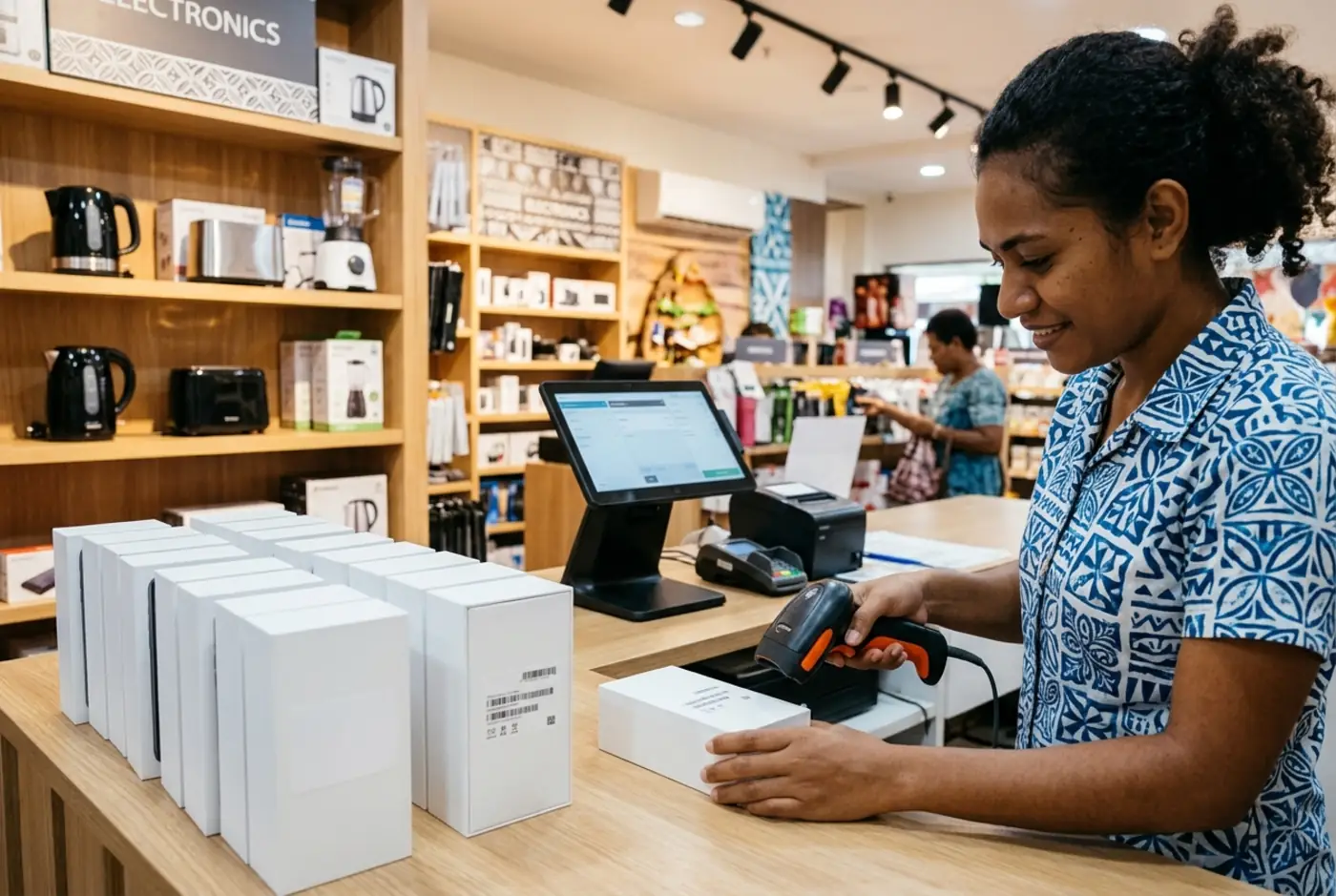
One serial per unit when a delivery is received; the till asks for the serial being sold and refuses one it has not seen.
Add-on · from FJ$25/month
Serial numbers and warranty · Fiji
Record the IMEI or serial when stock arrives, scan it at the sale, print it on the receipt and find it again when the customer comes back under warranty.
What is included in every plan, and what is a priced add-on switched on for your account after a setup review.
One serial per unit when a delivery is received; the till asks for the serial being sold and refuses one it has not seen.
Add-on · from FJ$25/month
Search by serial: which sale, which customer, which date, whether it was returned.
Add-on · from FJ$25/month
A return names the exact unit, which becomes sellable again or is written off.
Add-on · from FJ$25/month
Sell on account with a credit limit and repayments; statements show the balance.
Retail plan and above
Repair job tracking, trade-ins and supplier warranty claims are not built. Serials are text; IMEI check digits are not validated.
Custom add-ons are built for one business and priced for that business alone, for example a report in your accountant’s layout, an export for a supplier, or a workflow specific to your trade. They are agreed in writing, appear on your monthly invoice as their own line, and are listed in your workspace under Settings. Tell us what you need when you request a demo.
Questions from store owners
Not if the product is serial-tracked; that is the point. Untracked accessories sell as normal.
The named units move with the stock, so the warranty lookup still finds them.
Yes, under the line item, with the product name and price.
A simple next step
No software purchase. No payment details. Start with the workflows that matter to your business.
Share your store type and what you want to explore: checkout, stock, purchasing or reporting.
We review your request and add your email to the private demo. Access is not automatic.
Open the demo link and enter the one-time code emailed to you. No separate account or password needed.